


CFD Simulation Software
Cloud-native CFD: Accelerate Design & Optimize Performance
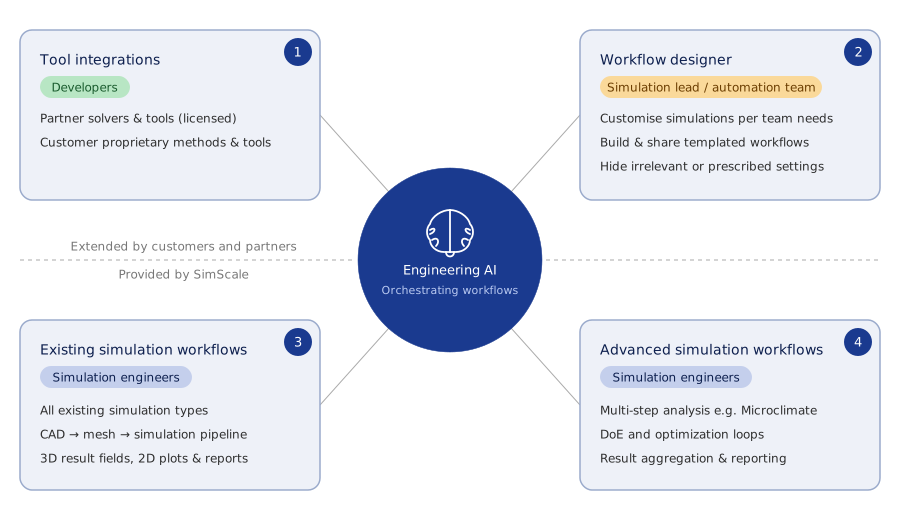
Run computational fluid dynamics (CFD) entirely in your browser. From laminar pipe flow to GPU-accelerated transient turbulence, explore hundreds of CFD configurations in parallel, with Physics AI delivering instant predictions and Engineering AI orchestrating your workflows.
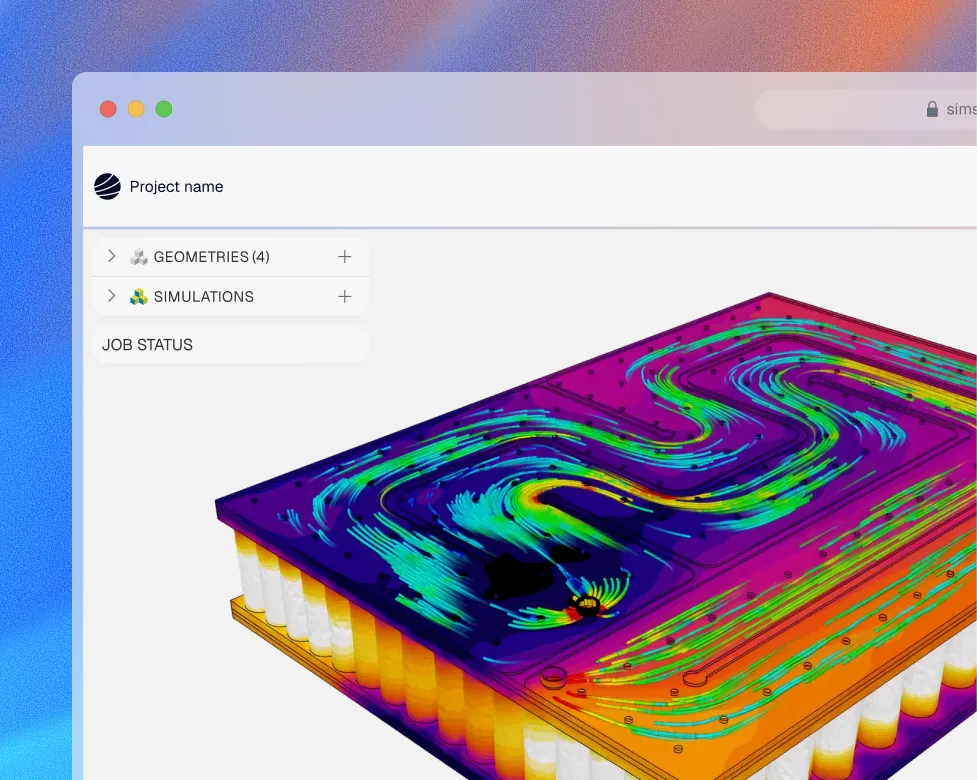












High-fidelity CFD without the infrastructure overhead
SimScale is CFD simulation software built cloud-native, so you get the full range of validated fluid simulation physics your team needs, from incompressible laminar flow to GPU-accelerated transient analysis, with no HPC to manage.
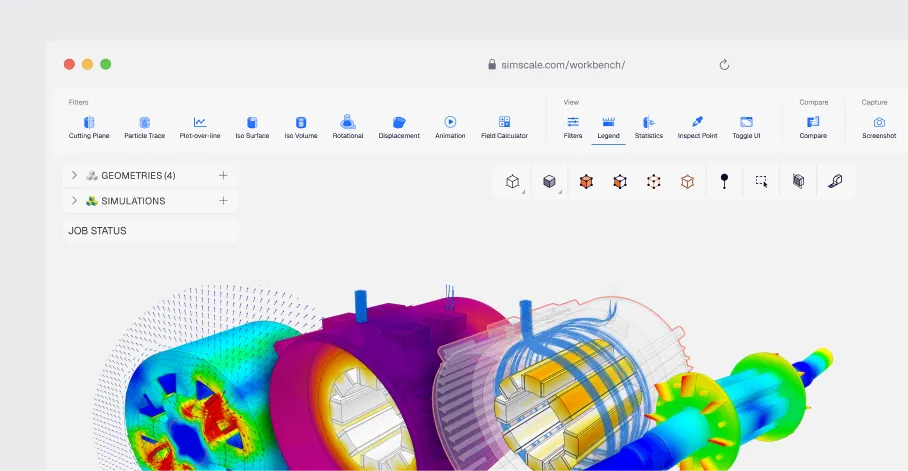
Best-in-class solvers
A range of open source and proprietary solvers, OpenFOAM, LBM, and IBM among them, covering incompressible, compressible, multiphase, and conjugate heat transfer flows.
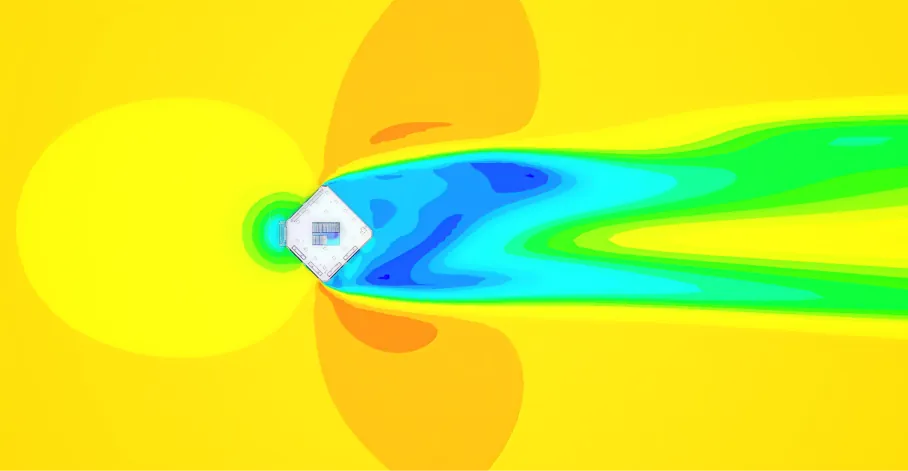
Transient, GPU-Accelerated
Model unsteady fluid flow from RANS to scale-resolved turbulence and multiphase analysis with SPH, at GPU-accelerated speeds.
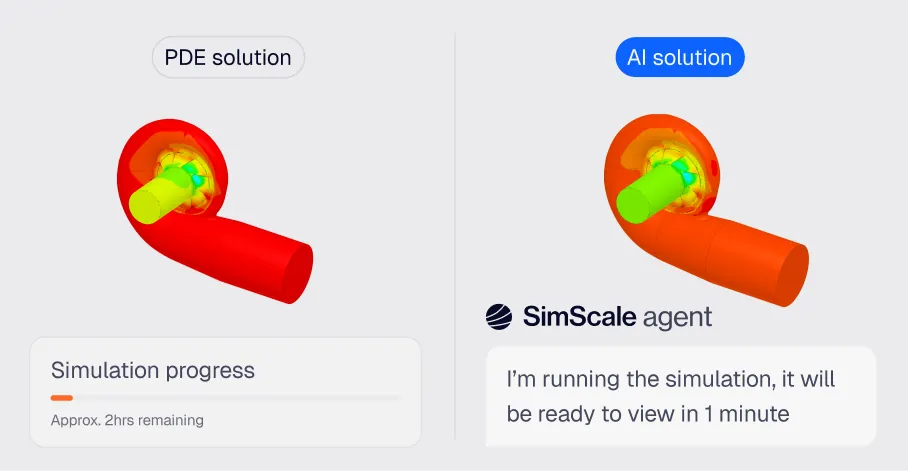
AI-accelerated
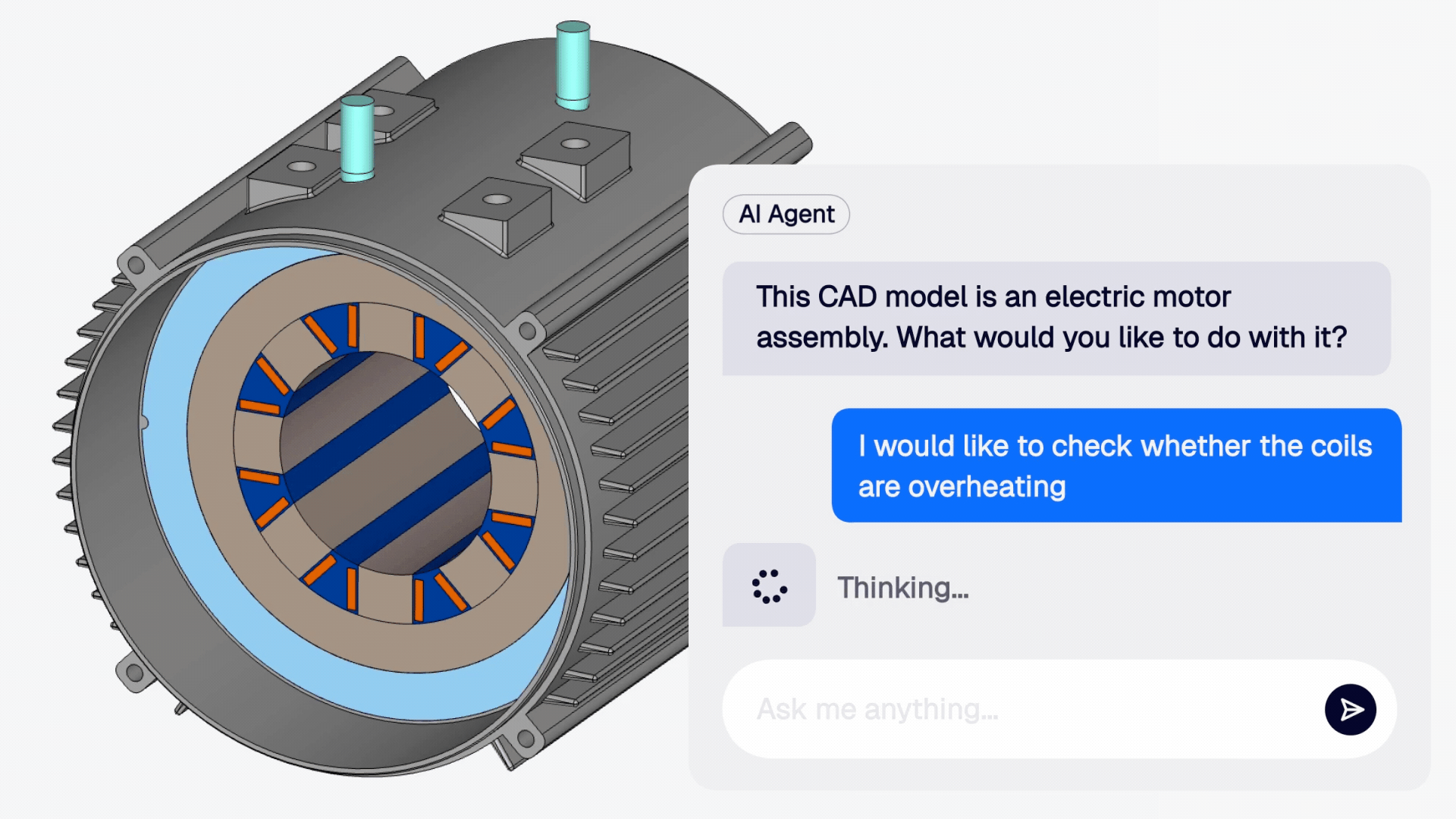
Physics AI delivers instant flow predictions within ~5% of full CFD accuracy. Engineering AI automates meshing and setup so your team iterates faster.
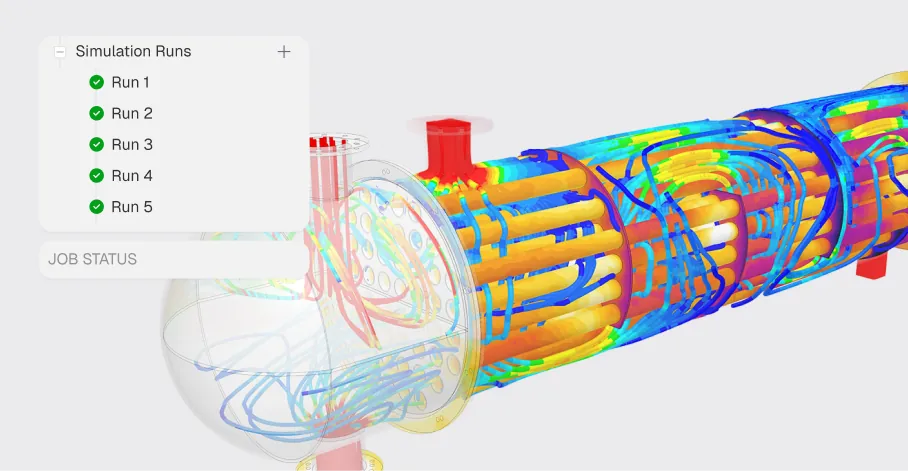
Run CFD online, at cloud scale
Run hundreds of design configurations in parallel on on-demand HPC, straight from the browser, and share results with your team in real time.
CFD in action
From product validation to design space exploration, cloud CFD simulation accelerates decisions across the full development lifecycle.
Multiphase flow & mixing
Simulate two phase liquid-gas flows including tank sloshing, mixing vessels and free surface flows across AEC, marine, and process engineering applications.
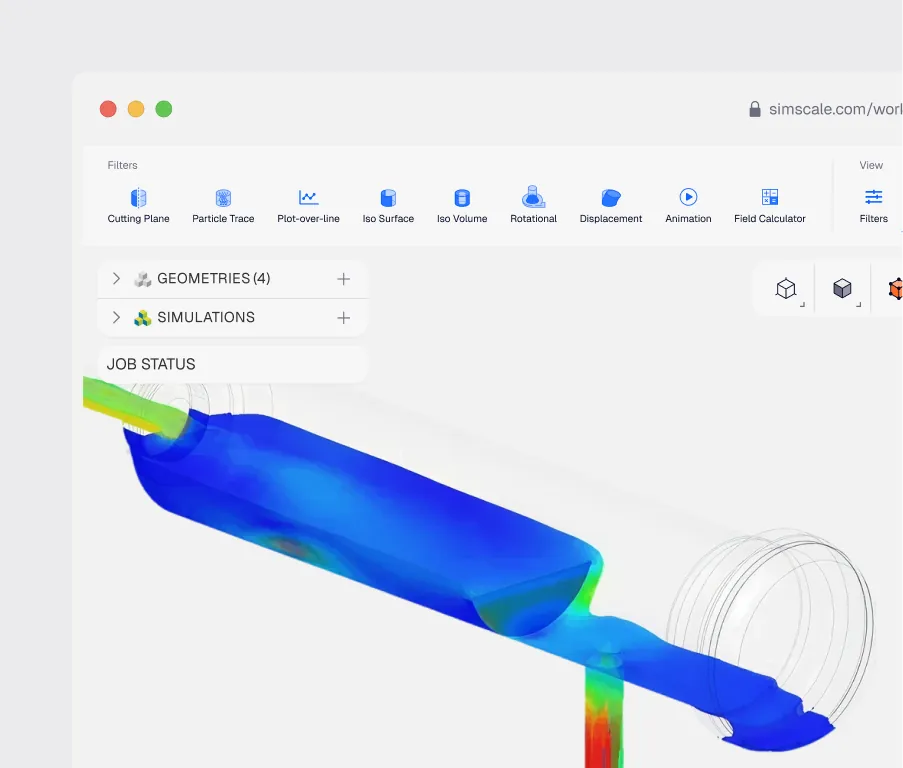
Smoothed Particle Hydrodynamics (SPH)
Simulate sloshing, wave impact, oil churning, and free-surface flow without meshing, using GPU-accelerated smoothed particle hydrodynamics in the cloud.
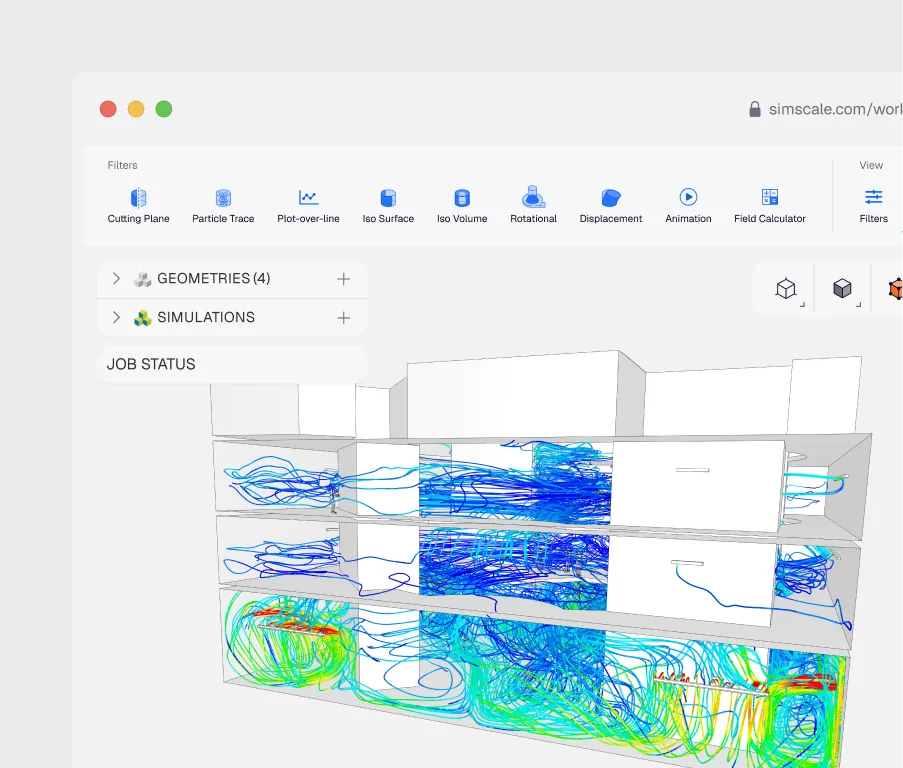
HVAC & thermal comfort
Design efficient heating, ventilation, and air conditioning systems. Analyze flow patterns, temperature distributions, and thermal comfort in buildings to create healthier, more energy-efficient spaces.
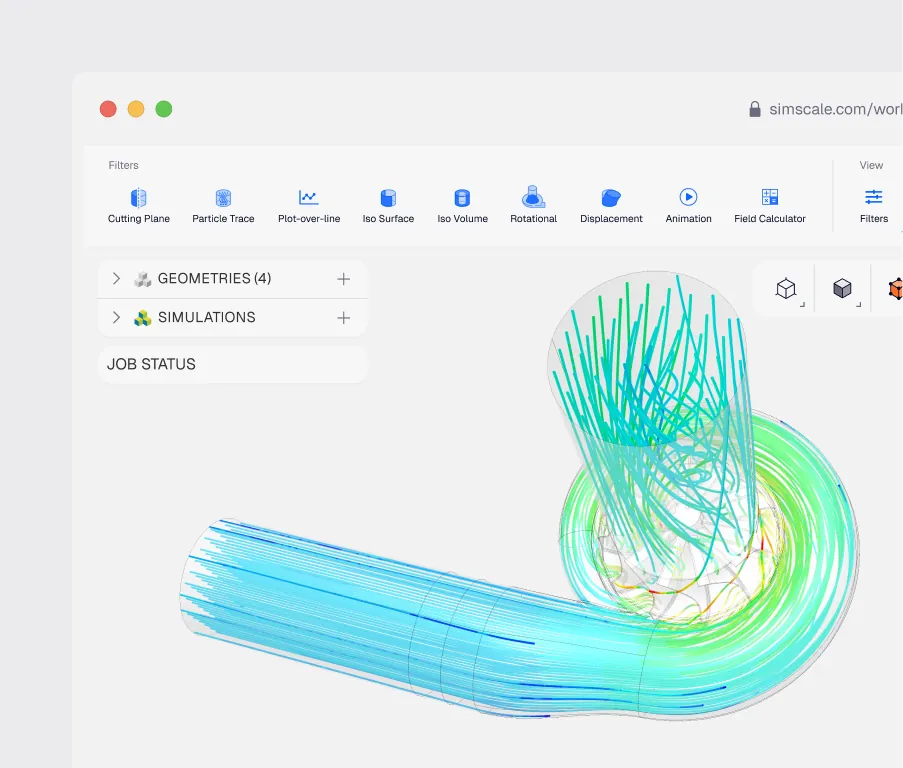
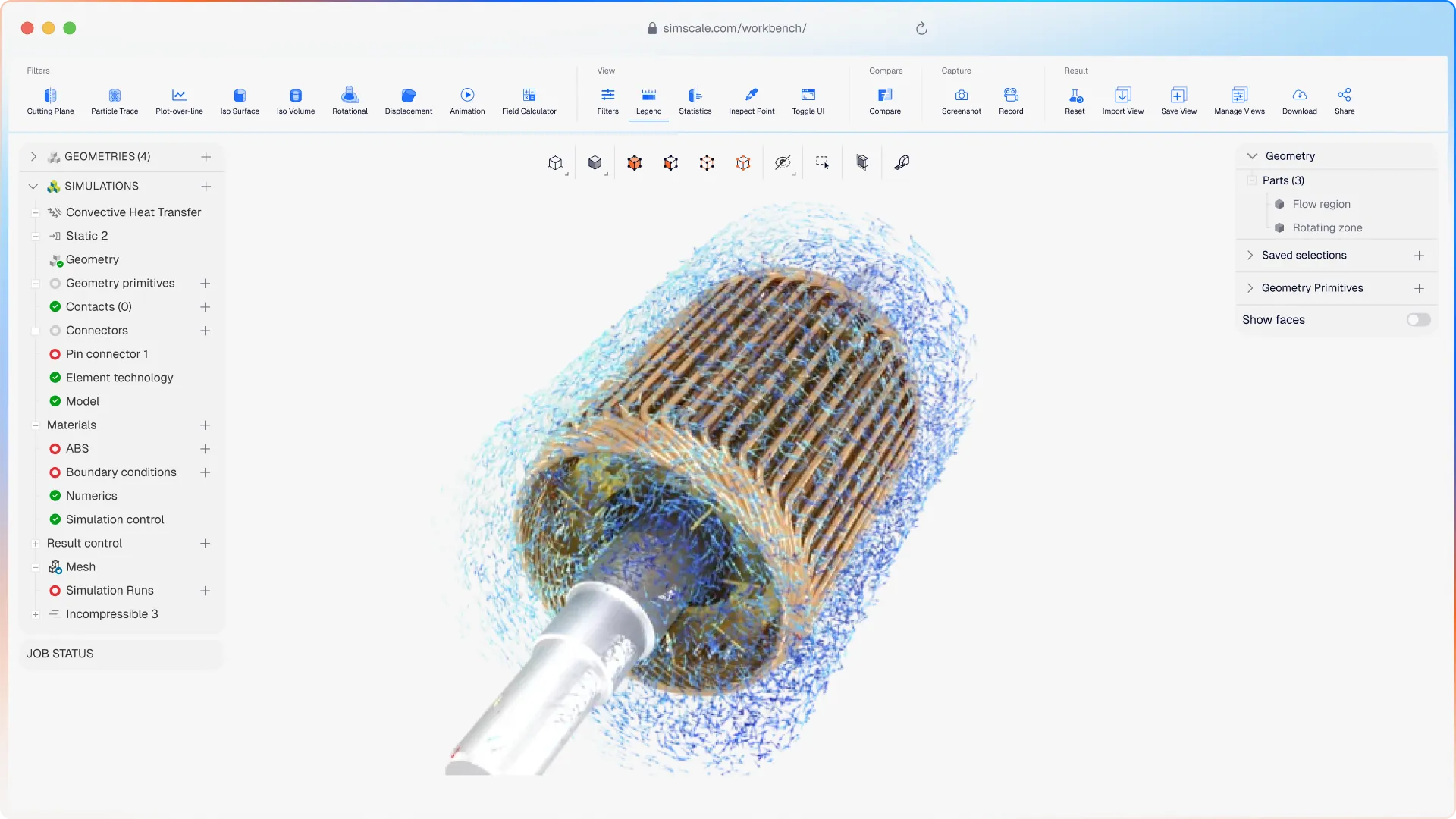
Turbomachinery & pumps
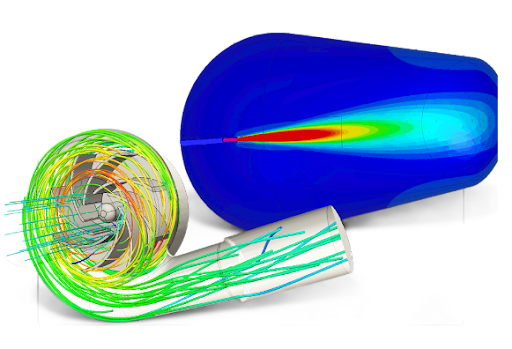
Explore hundreds of impeller and blade configurations in parallel. Physics AI delivers instant performance predictions across your turbomachinery design space — before a single physical prototype.
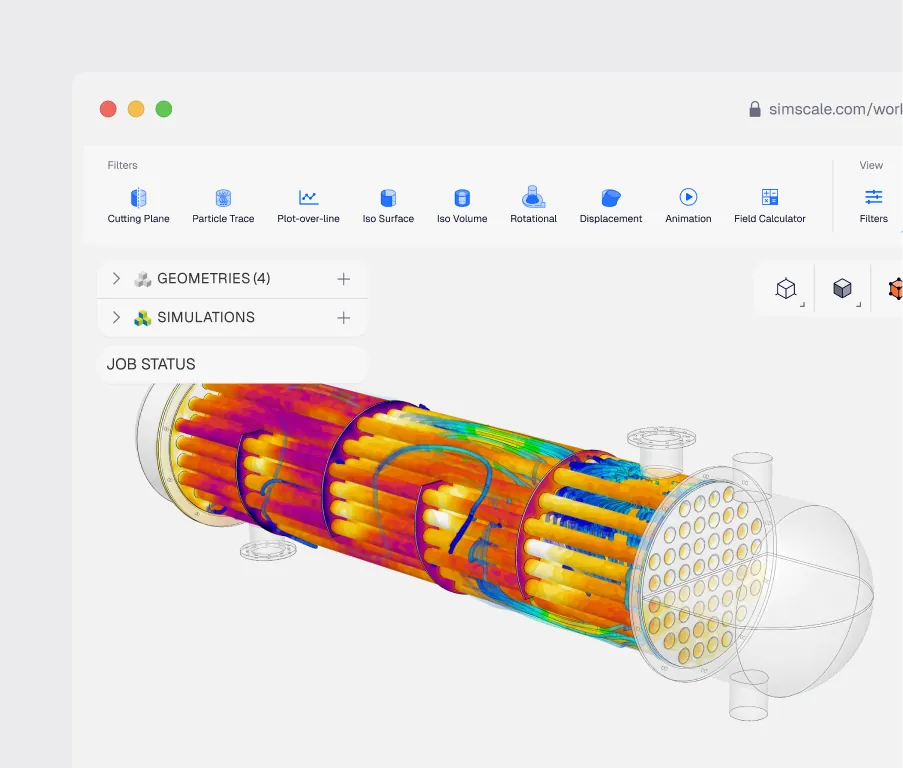
Heat exchanger design
Maximize heat transfer efficiency while minimizing pressure drop. Analyze conjugate heat transfer, multi-fluid interactions, and thermal performance to optimize heat exchanger geometry and topology.
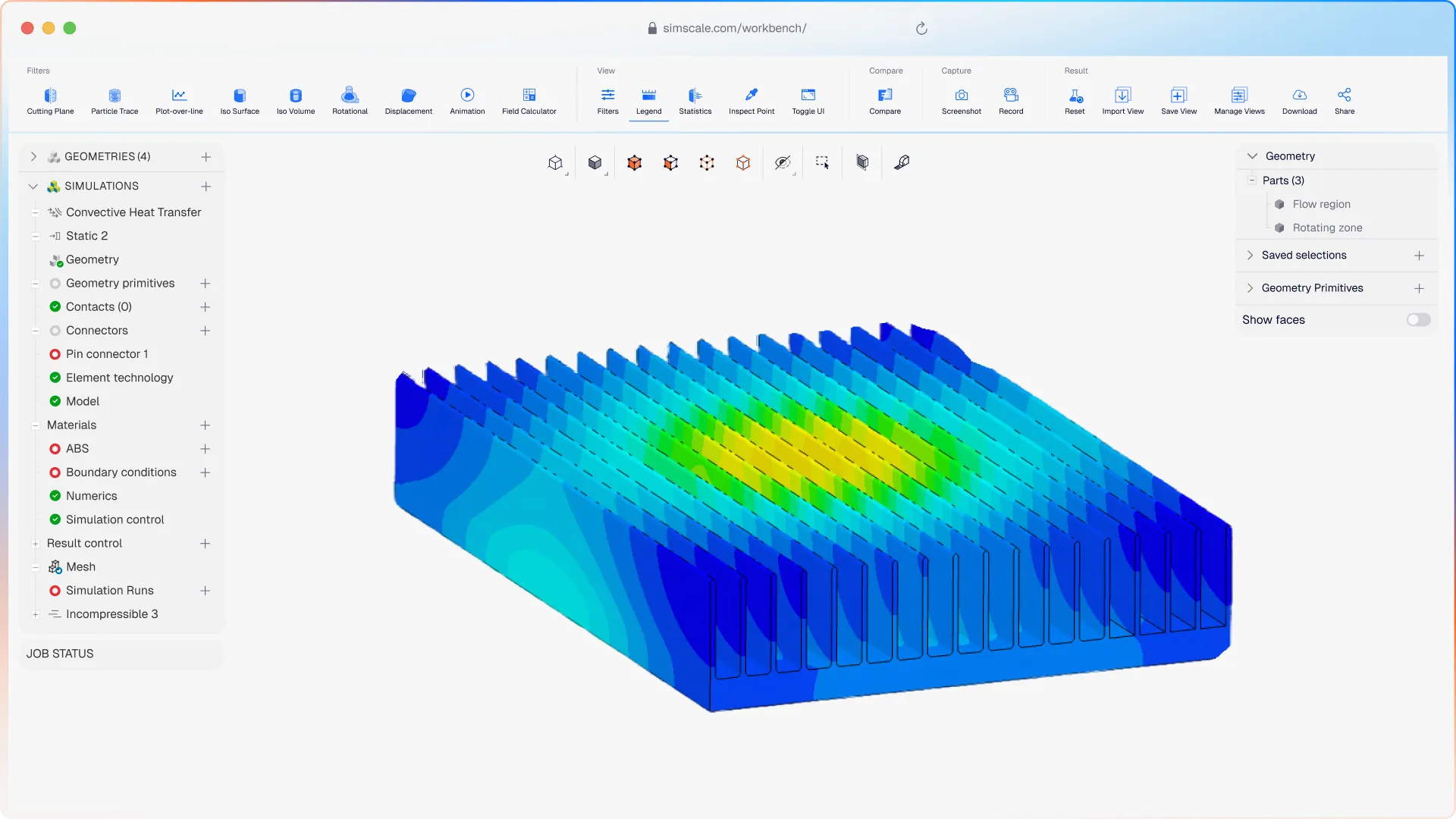
Heat sink simulation
Optimize fin geometry for natural or forced convection, sweep dozens of configurations in parallel, and hit thermal targets before committing to tooling.
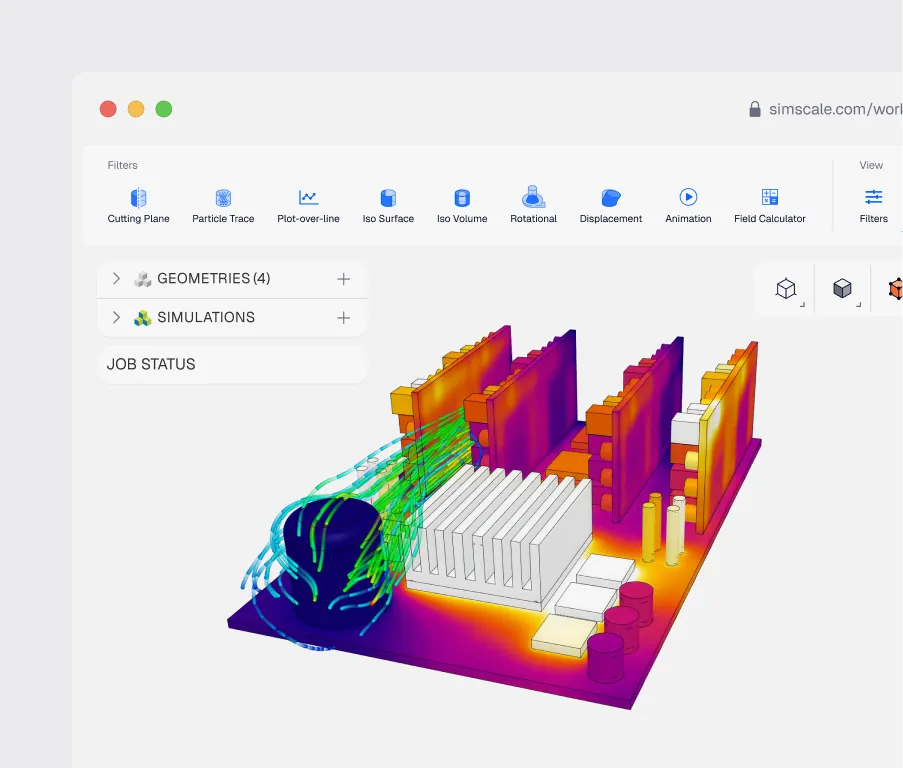
Electronics cooling
Prevent thermal failure in electronic devices and data centers. Analyze air, liquid and immersion cooling strategies to ensure optimal operating temperatures for sensitive components while minimizing energy consumption.
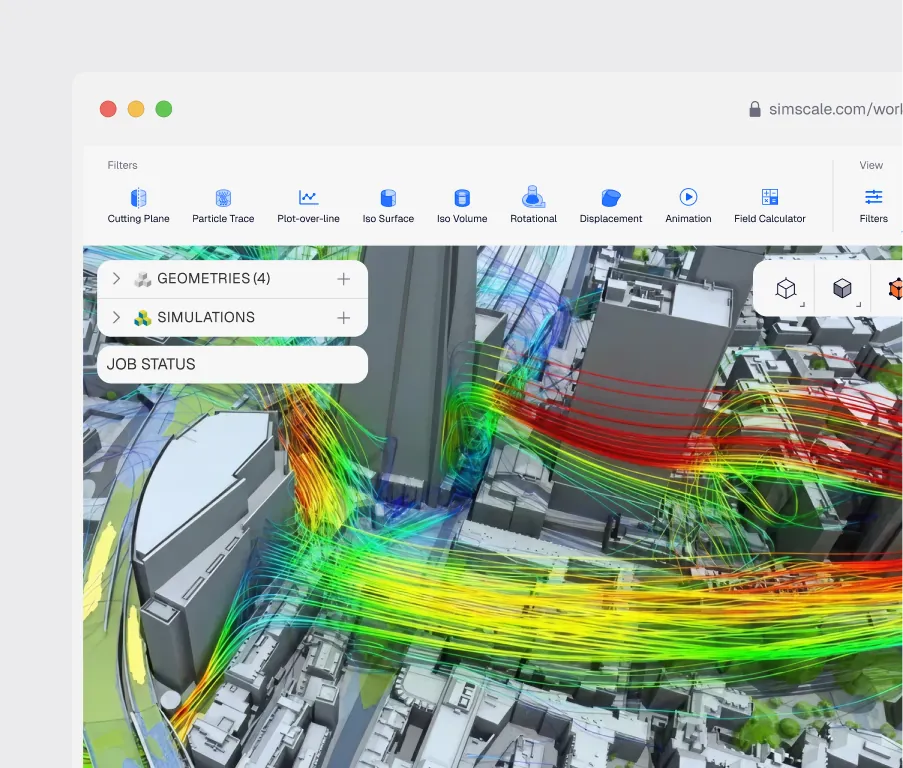
Wind simulation
Assess pedestrian wind comfort, structural wind loads, and building aerodynamics across all wind directions in parallel. Physics AI delivers instant wind performance predictions across massing variants and orientations, so your team identifies compliant designs before committing to high-fidelity CFD analysis.
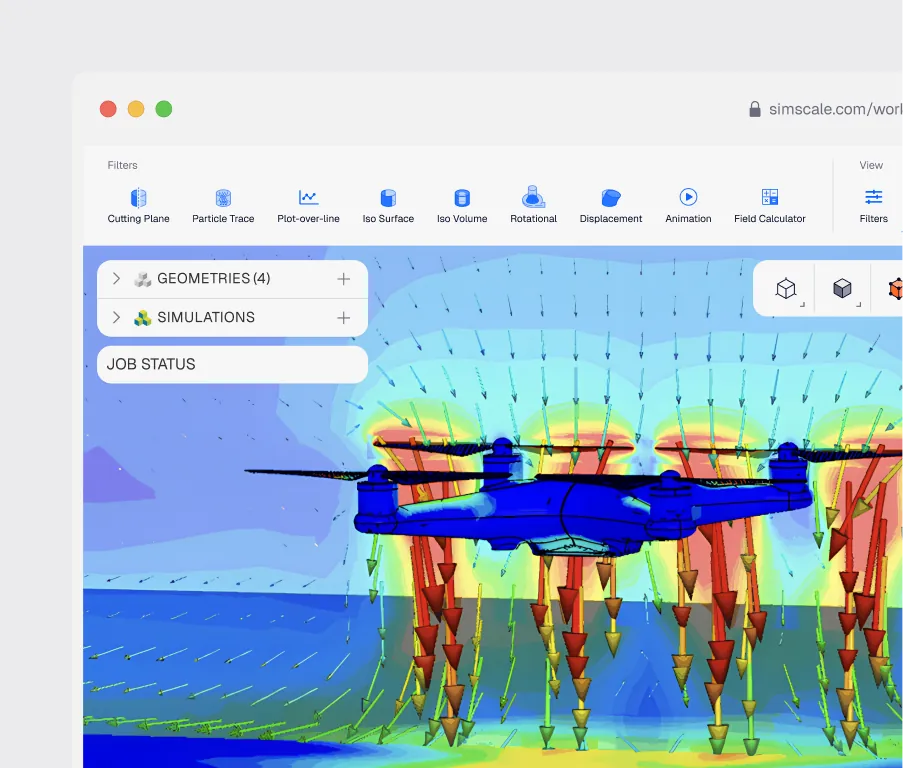
Drone simulation
Simulate rotor aerodynamics and flight performance from hover to forward flight using cloud-based CFD and FEA.
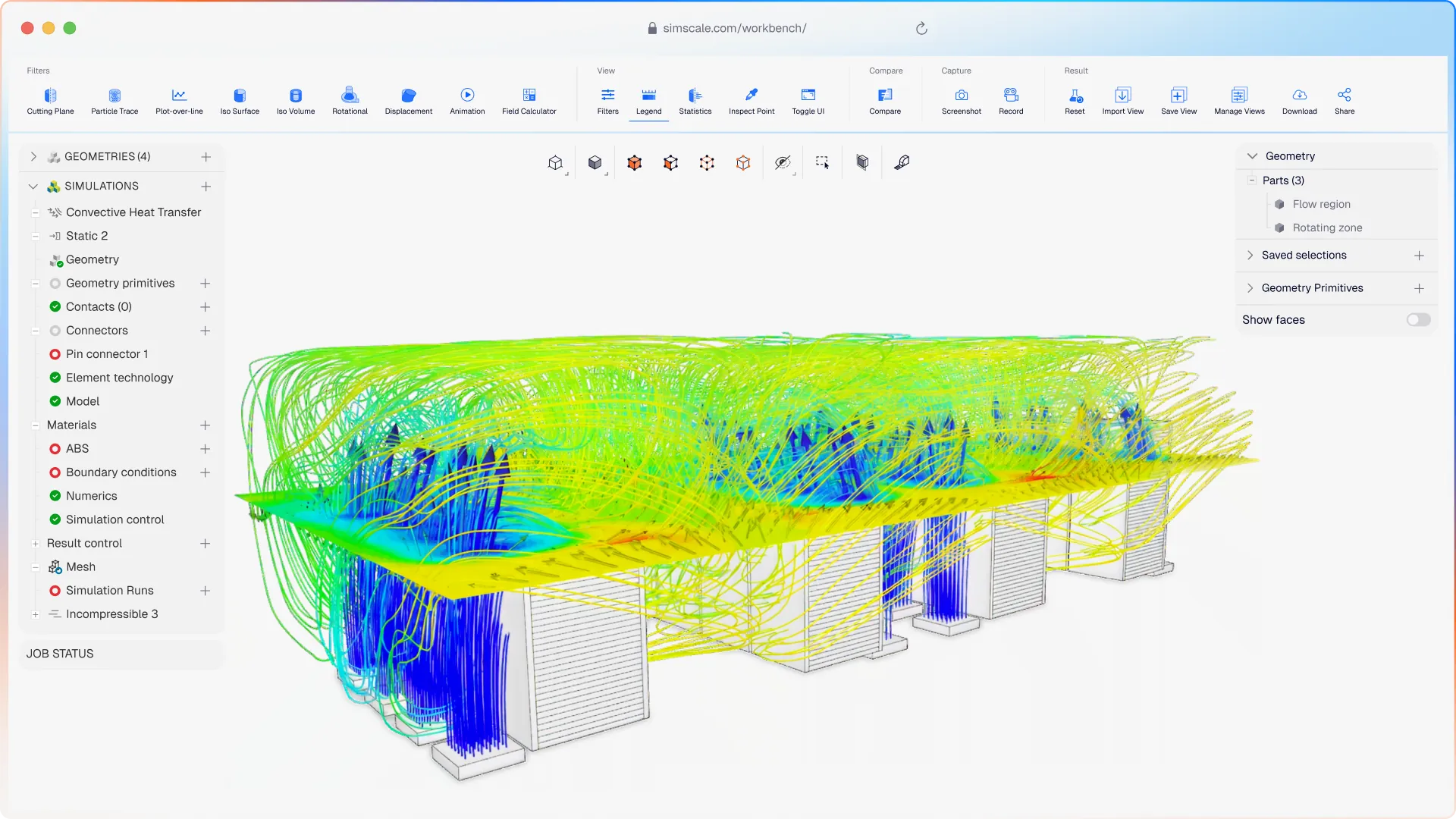
Data center cooling
Model airflow, containment strategies, and temperature distribution in data centers using cloud-native CFD to minimize PUE and ensure SLA compliance.
Cleanroom design
Analyze airflow uniformity, contamination control, and laminar chamber performance in cleanroom facilities using cloud-based CFD simulation.
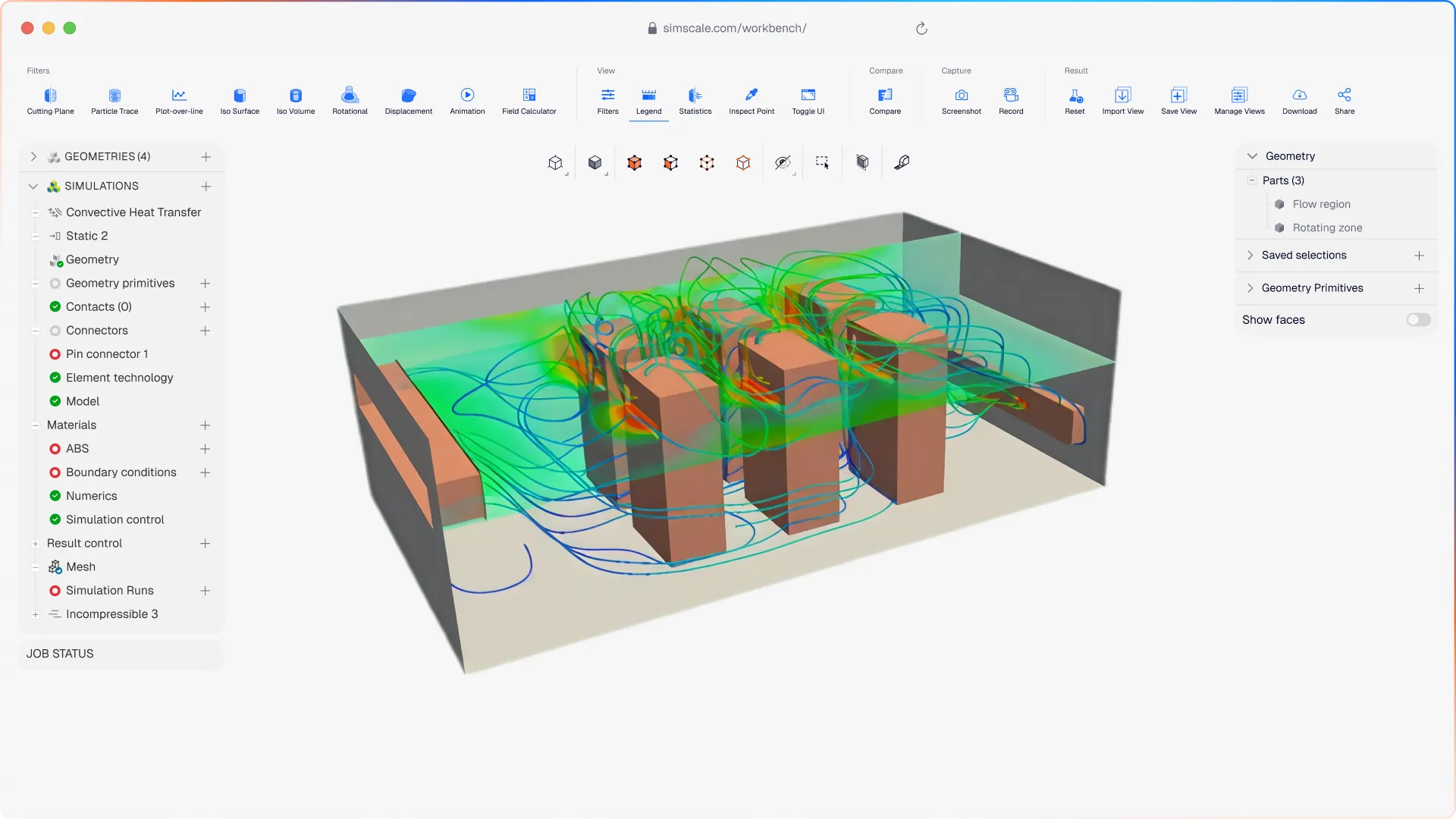
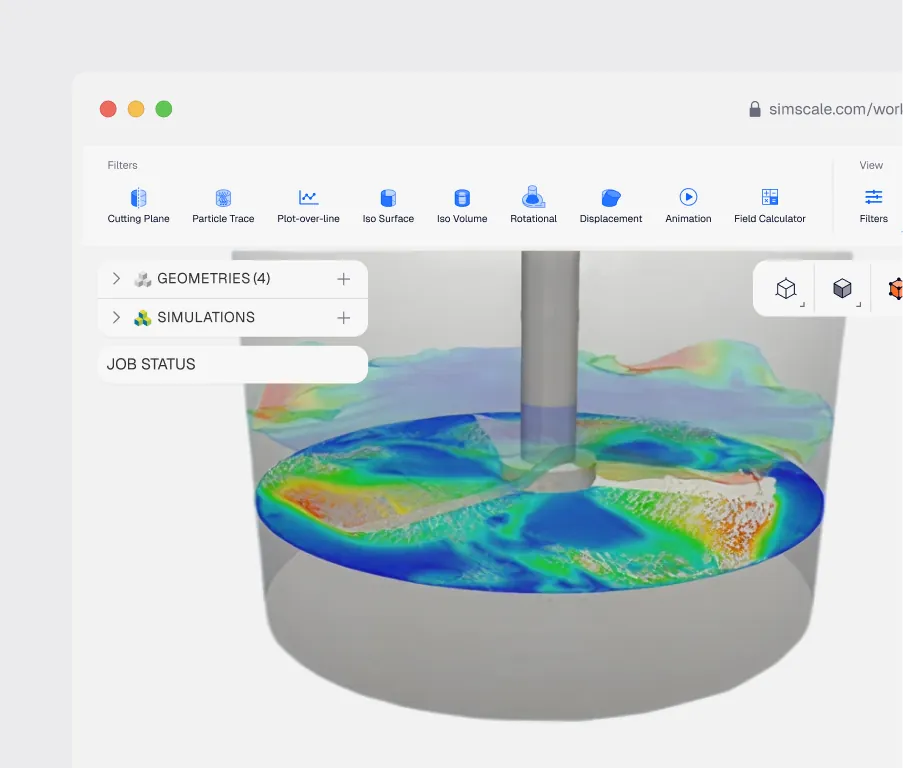
Pharmaceutical mixing
Simulate mixing efficiency, residence time distribution, and flow patterns in pharmaceutical vessel designs using cloud-based CFD simulation.
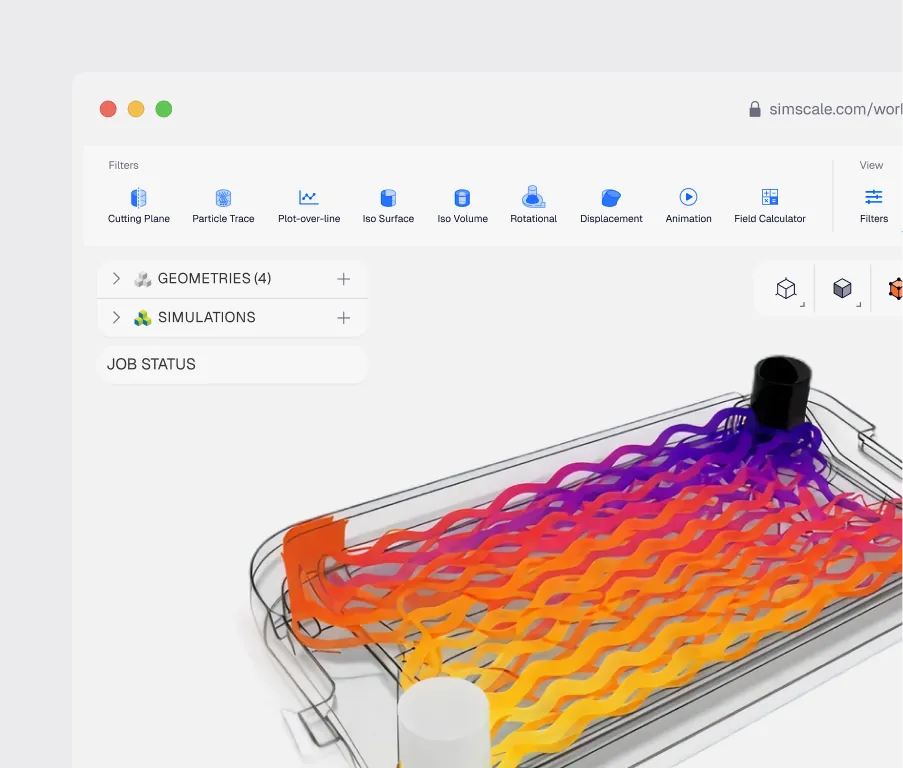
Heat exchanger simulation
Optimize thermal efficiency and pressure drop in shell-and-tube, plate, and additively manufactured heat exchangers using cloud-based CFD and CHT.
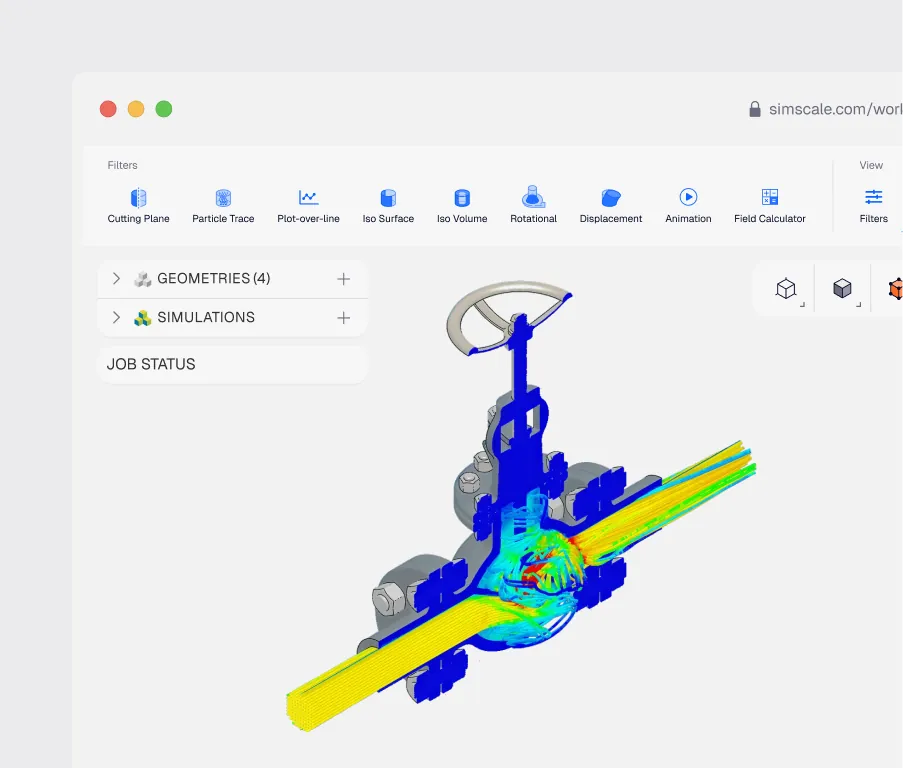
Valve simulation
Test & optimize valve designs to increase performance.
Industries
See how engineering teams validate designs and accelerate development with cloud-native CFD, from automotive aero to data center cooling, backed by results that match physical test data.
See all solutions
10x
validated transient CFD wind analyses run an order of magnitude faster than traditional on-premises software, with results that hold up against physical testing
"The digital wind tunnel app is really for the larger pool of engineers who might not be CFD experts but can run a quick simulation without leaving the Rhino design environment."


35
hours saved per test cycle of five impeller designs by simulating in parallel instead of bench testing
"I was the only CFD expert, and people from the department decided to include CFD as they found it very easy to use after a 1-hour explanation. This has broadened access to simulation within Tecnalia."


45%
Saved on computation costs by using cloud-native CFD instead of traditional desktop software
"By using cloud-native CFD in SimScale, the project resulted in savings of 45% compared to using traditional desktop software."


20%
Lower motor power consumption from optimizing the Biocycle impeller across hundreds of variants
"We were able to reduce the motor power consumption by 20% by easily applying powerful flow analysis in SimScale to optimize the impeller design."


5 designs
Cooling solutions evaluated with CHT and convective solvers in tight, untestable spaces
"SimScale enables us to simulate anywhere in the world, with no restrictions on our hardware. Swift responses and actions are what we seek, and SimScale matches all of our criteria."


hours to seconds
Direct simulation on implicit geometry cuts model import times for 3D-printed parts
"Implicit modeling and direct simulations on implicit geometry is a real step change in speed and robustness of optimization workflows."


75+ variants
Explored in 6 weeks, running 5-10 CFD simulations daily to redesign a PFAS filtration vessel
"SimScale offered browser-based cloud computing capability, so we can launch dozens of simulations in parallel using the elastic cloud compute."


weeks to days
Cloud simulation shortened design-to-prototype cycles for medical-grade health devices
"By using mechanical simulation in the cloud offered by SimScale, we engineers at Withings have been able to reduce our design-to-prototype cycles from weeks to days."


under 1 hour
A Physics AI model trained on cloud CFD predicts new design performance in milliseconds
"The real transformation comes from the reusability of the model. I can share it across the team and we can re-optimize the design as many times as we need."

60 variants
Studied in two weeks by a simulation newbie after company-wide cloud rollout
"By using simulation during the design process, we can speed up mechanical and process development by weeks or months. For us, simulation is about getting it right the first time."


0.1 degrees
CFD fine-tunes hydrofoil angle of attack to a tenth of a degree, without prototyping every variant
"This combined approach of CFD and FEA saves us significant time and costs, allowing us to stay agile in a competitive market."

Related resources
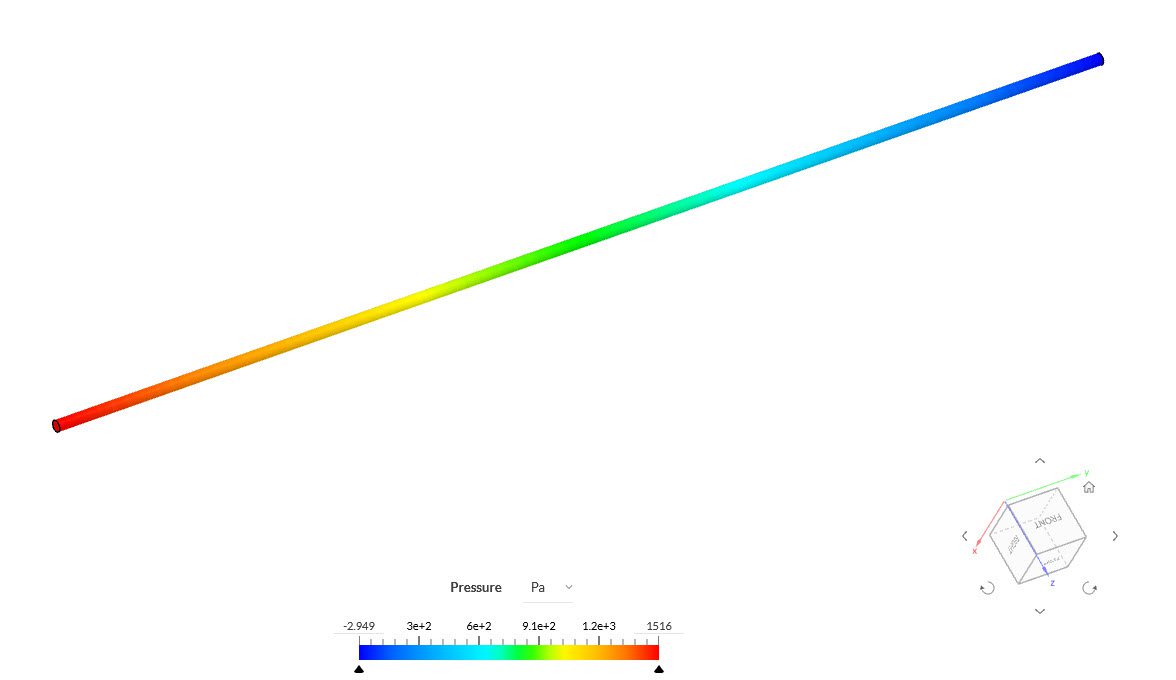
How to Calculate Major Head Loss in Pipes and Ducts
Calculate major head loss with the Darcy-Weisbach equation, Moody chart, and CFD, including units, a worked example, and minor-loss context.

Peter Selmeczy
July 24, 2026
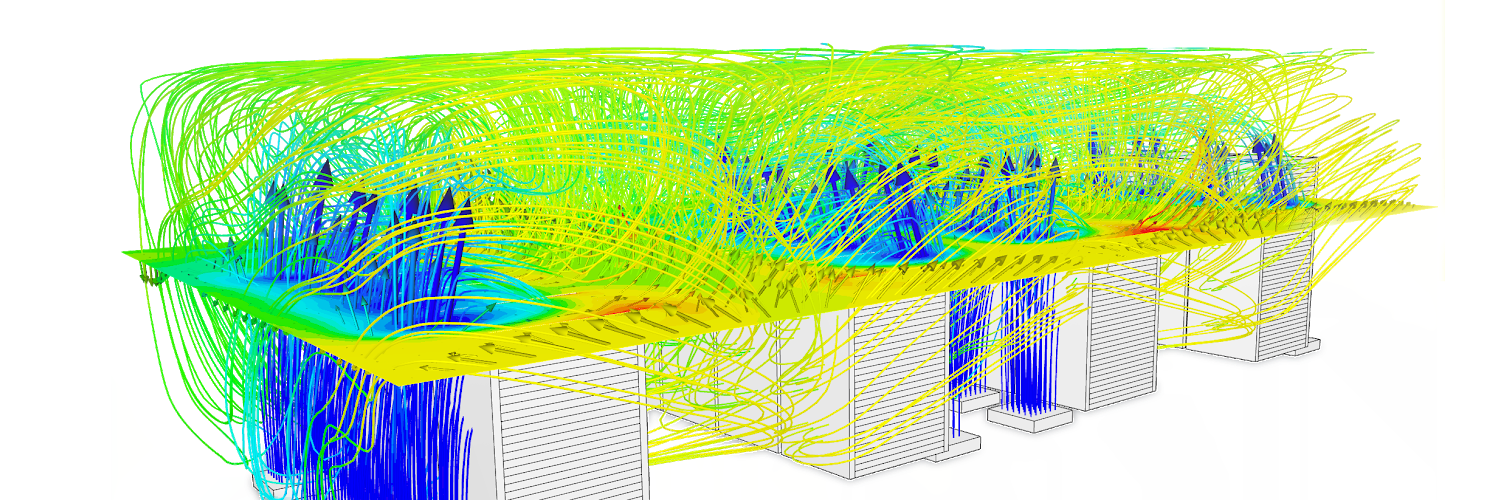
Data Center Cooling: Four Lessons from Teams That Simulate Before They Build
Four engineering teams slashed costs and prevented costly failures by simulating data center cooling before building — discover their playbook for the AI era.

Alex Graham
May 19, 2026
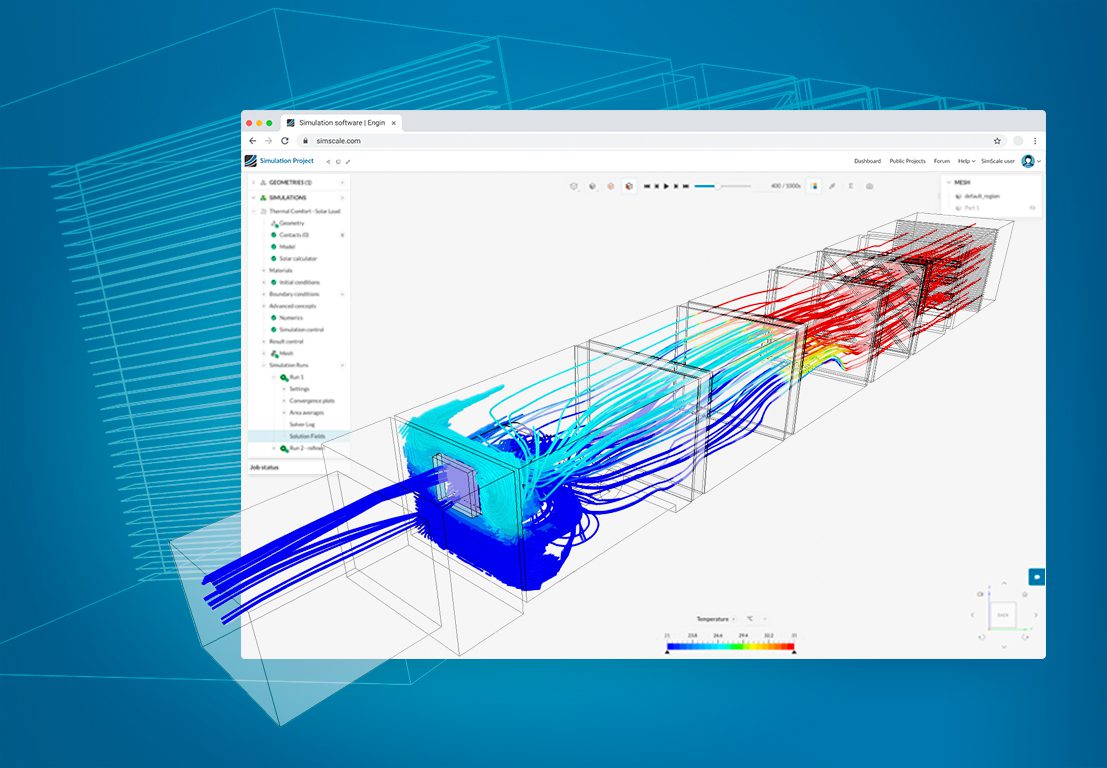
CFD Ventilation Simulation for HVAC Systems and Buildings
Learn how CFD ventilation simulation optimizes HVAC components and building air quality, reducing costs and improving thermal comfort."
Peter Selmeczy
April 17, 2026



Luis Goncaves
August 4, 2026
Luis Goncaves
June 18, 2026
Luis Goncaves
January 27, 2026

Taylor Keen
August 4, 2026
Peter Selmeczy
July 6, 2026


Jon Wilde
June 16, 2026
Peter Selmeczy
July 9, 2026
Peter Selmeczy
March 24, 2026

Peter Selmeczy
September 10, 2025

Peter Selmeczy
July 30, 2026
Peter Selmeczy
May 29, 2026
FAQs
New to computational fluid dynamics or evaluating SimScale as your CFD software? Here are the questions we hear most.
ContactSimScale supports laminar and turbulent flows, incompressible and compressible flows, multiphase flows using the volume of fluid (VoF) method, passive scalar and species transport, and conjugate heat transfer.
SimScale uses multiple solvers depending on the analysis type. For multiphase flow, it uses OpenFOAM's interFoam solver. For high-speed transient simulations, it offers a GPU-accelerated Lattice Boltzmann Method (LBM) solver.
The Lattice Boltzmann Method solver runs on multiple GPUs in parallel, delivering turnaround times 20–30 times shorter than standard CFD methods. Transient simulations that once took days now complete in hours.
SimScale supports several turbulence models including k-omega SST, k-epsilon, Smagorinsky, SST-DDES, and Hybrid SST-IDDES. The LBM solver in particular supports scale-resolving turbulence models for high-fidelity transient analysis.
Yes. SimScale includes conjugate heat transfer (CHT) and convective heat transfer analysis, enabling thermal modeling of conduction and convection together with the flow field in a single coupled simulation.
Yes. SimScale is cloud-native, so you run computational fluid dynamics online in your browser, with no HPC, no install, and no local hardware. Your team accesses the same simulations from anywhere.
Explore our core technologies
Physics AI works alongside Engineering AI and cloud-native simulation — three technologies, one integrated platform.
Structural Mechanics
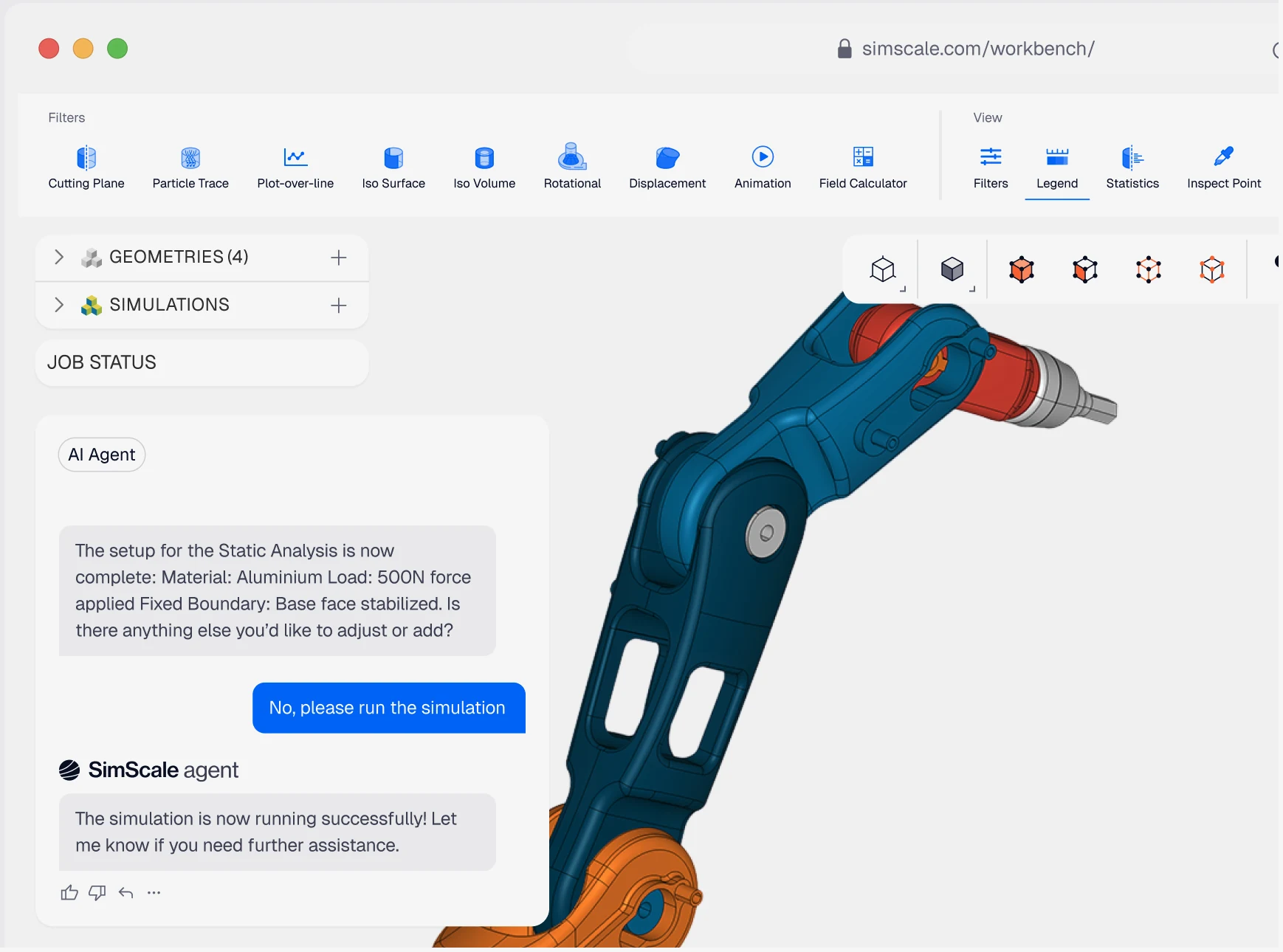
Assess stress, fatigue, and deformation under real-world loads - from lightweight components to large structural assemblies.
Thermodynamics
Manage heat transfer across conduction, convection, and radiation - for electronics cooling, HVAC, thermal packaging, and more.
Electromagnetics
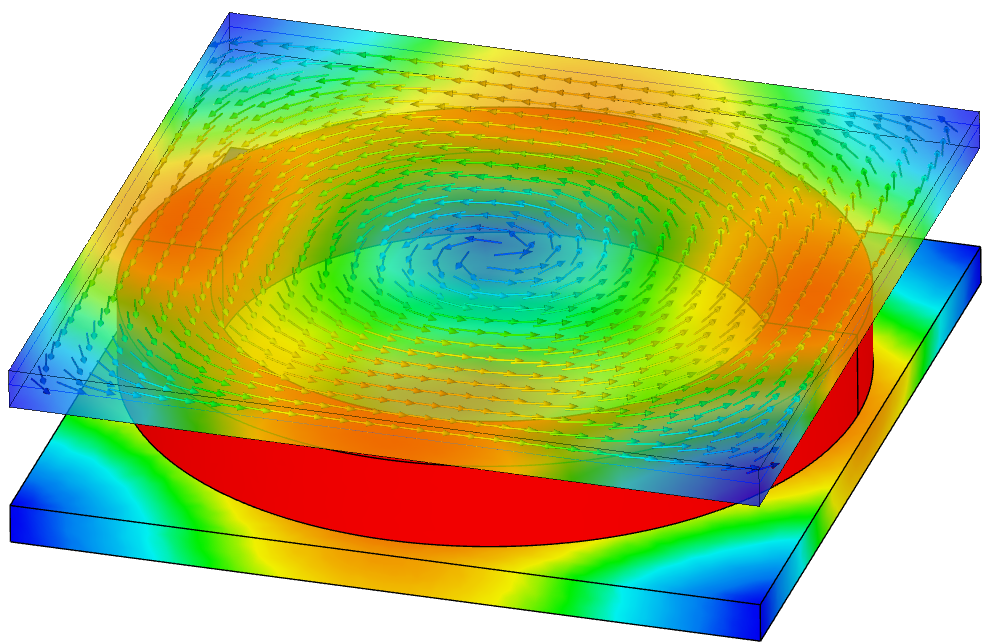
Model electromagnetic fields and coupled thermal effects for motors, sensors, transformers, and power electronics design.
Multiphysics
Couple thermal, structural, and fluid effects to capture real-world interactions single-physics analysis misses.
Start simulating in minutes, not weeks
Get started today with AI-native engineering simulation


