Hi @gkotelnytskyy,
I took a quick look at your model and I see several issues that could be causing the mesh generation issue.
First, I removed the large freeeform slab, and then I cleaned up the geometry on the remaining parts. In the first image of your original geometry you have a lot of small surfaces. It seems like every time you created an extrude you ended up with a slight mis-match with the existing geometry. These small sliver surfaces and offsets will really drive up the meshing time and in most cases cause an eventual failure in the mesh.

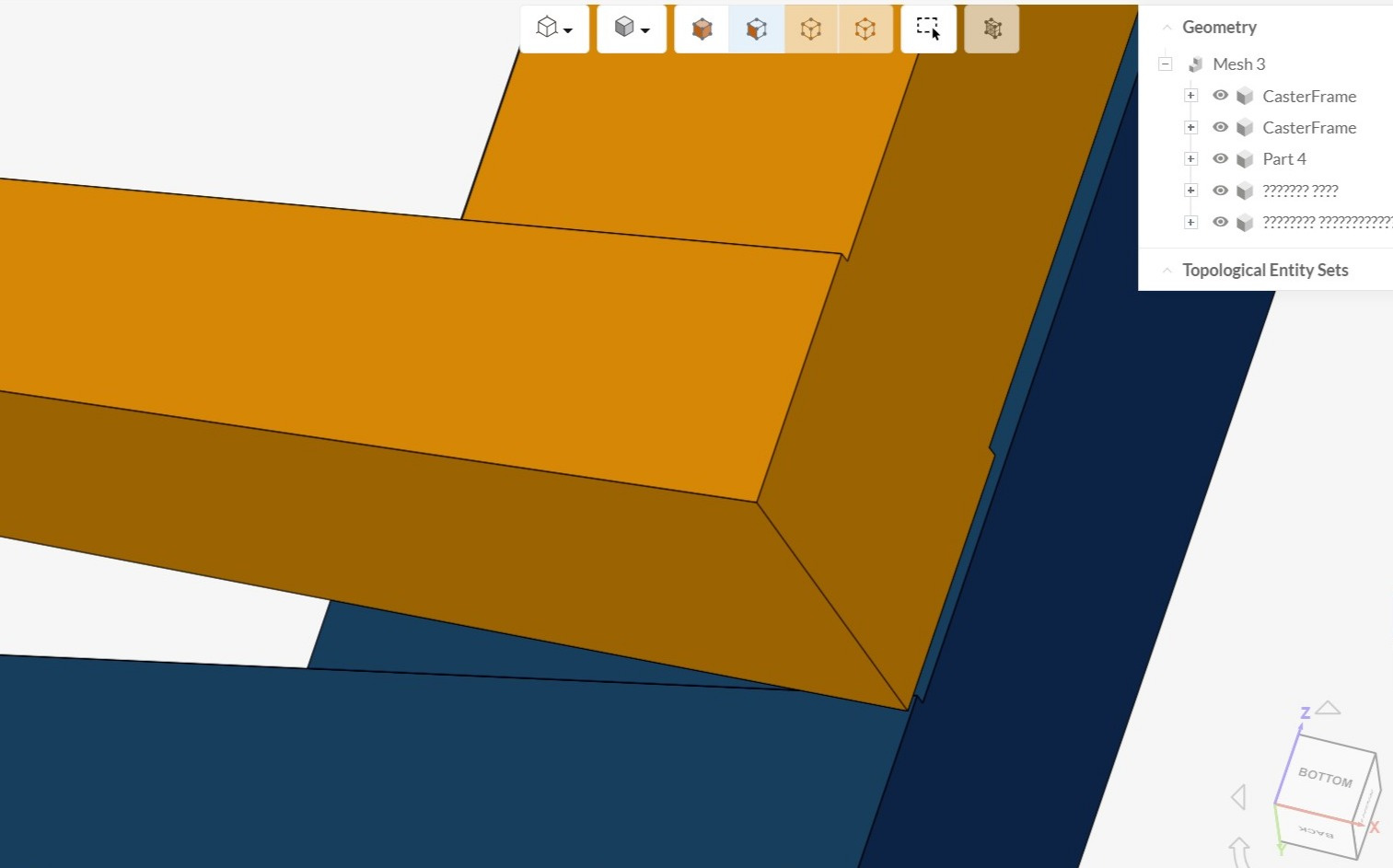
The image below shows the same area as your original cad but all of the small surfaces were removed.
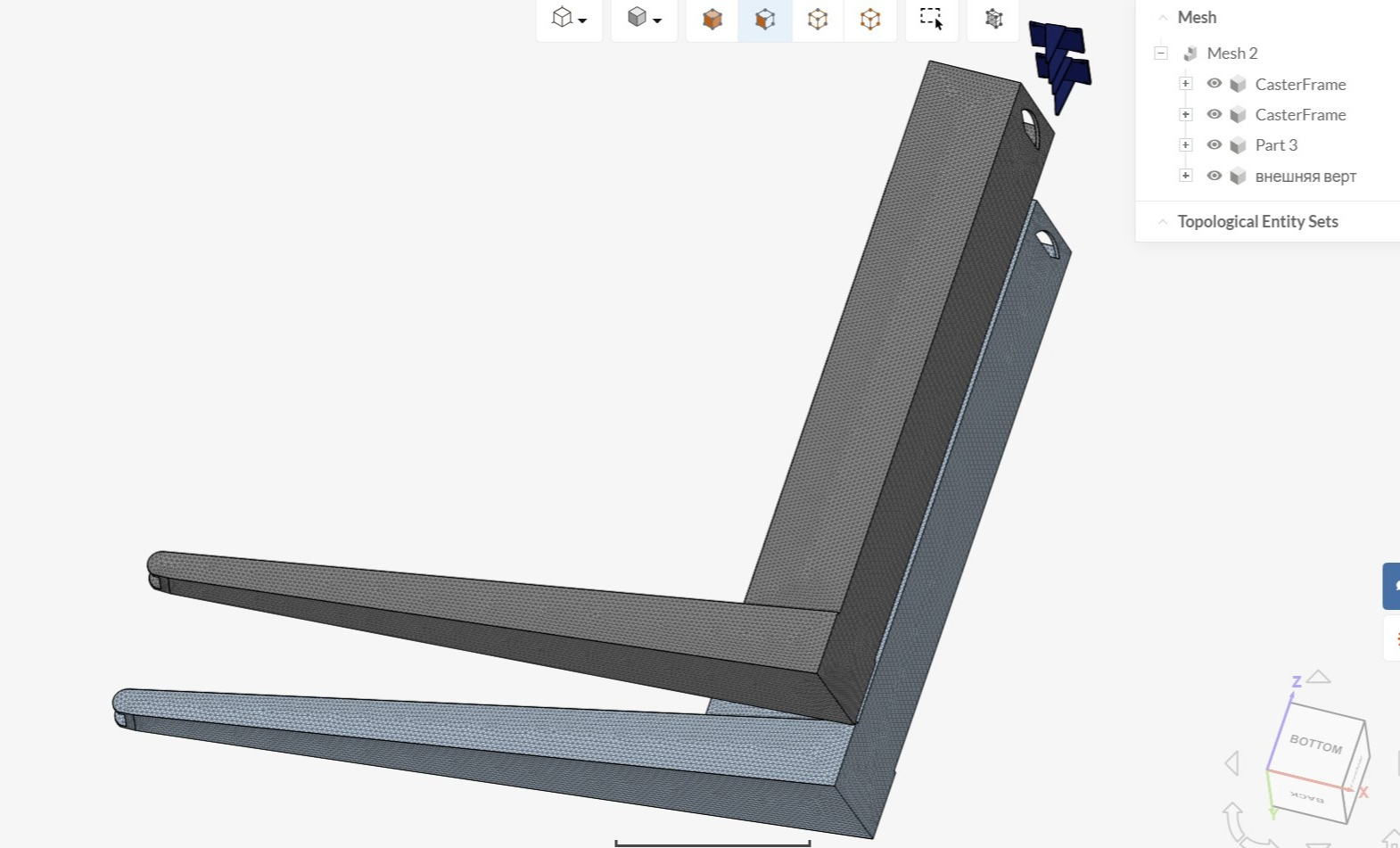
You can see in the mage below that these parts have a good mesh and it took 4 minutes to mesh. I did move the parts so I could easily see each part.
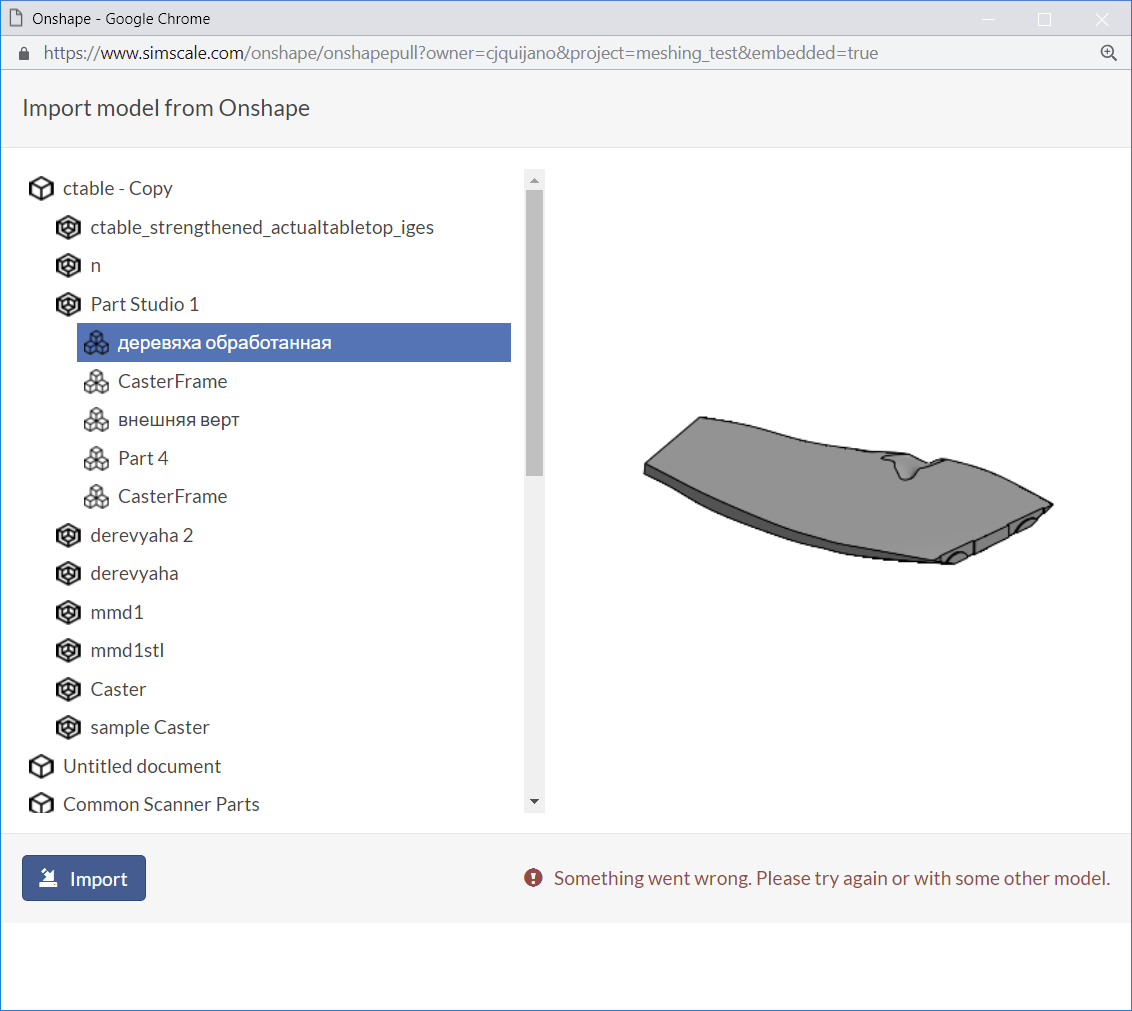
When I try to directly import just the freeform slab I get an error message in Simscale.
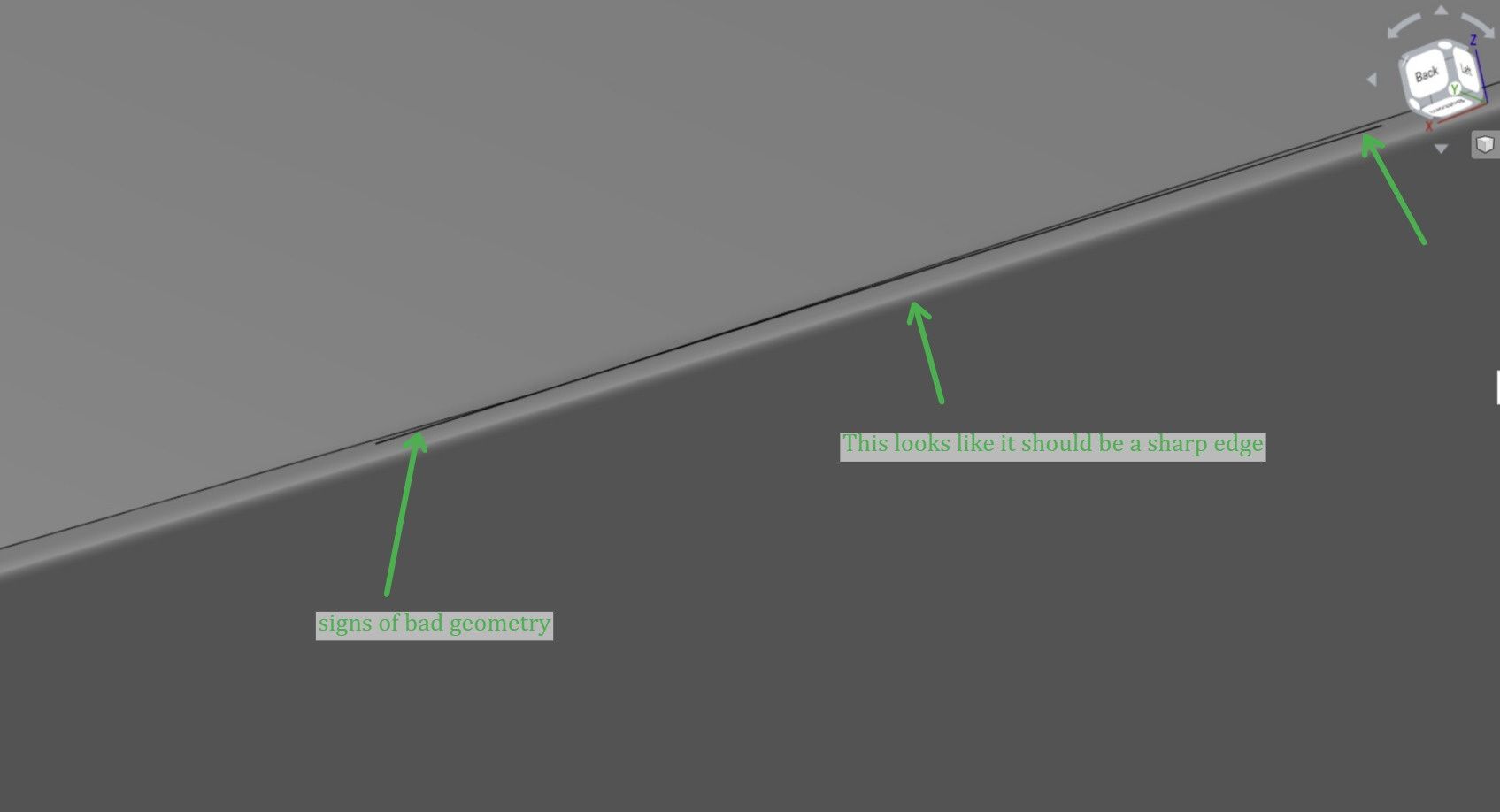
When I investigate the freeform slab in Onshape I am seeing several issues with the Geometry. Below are a few samples that will cause the mesher to take a long time and most likely fail.
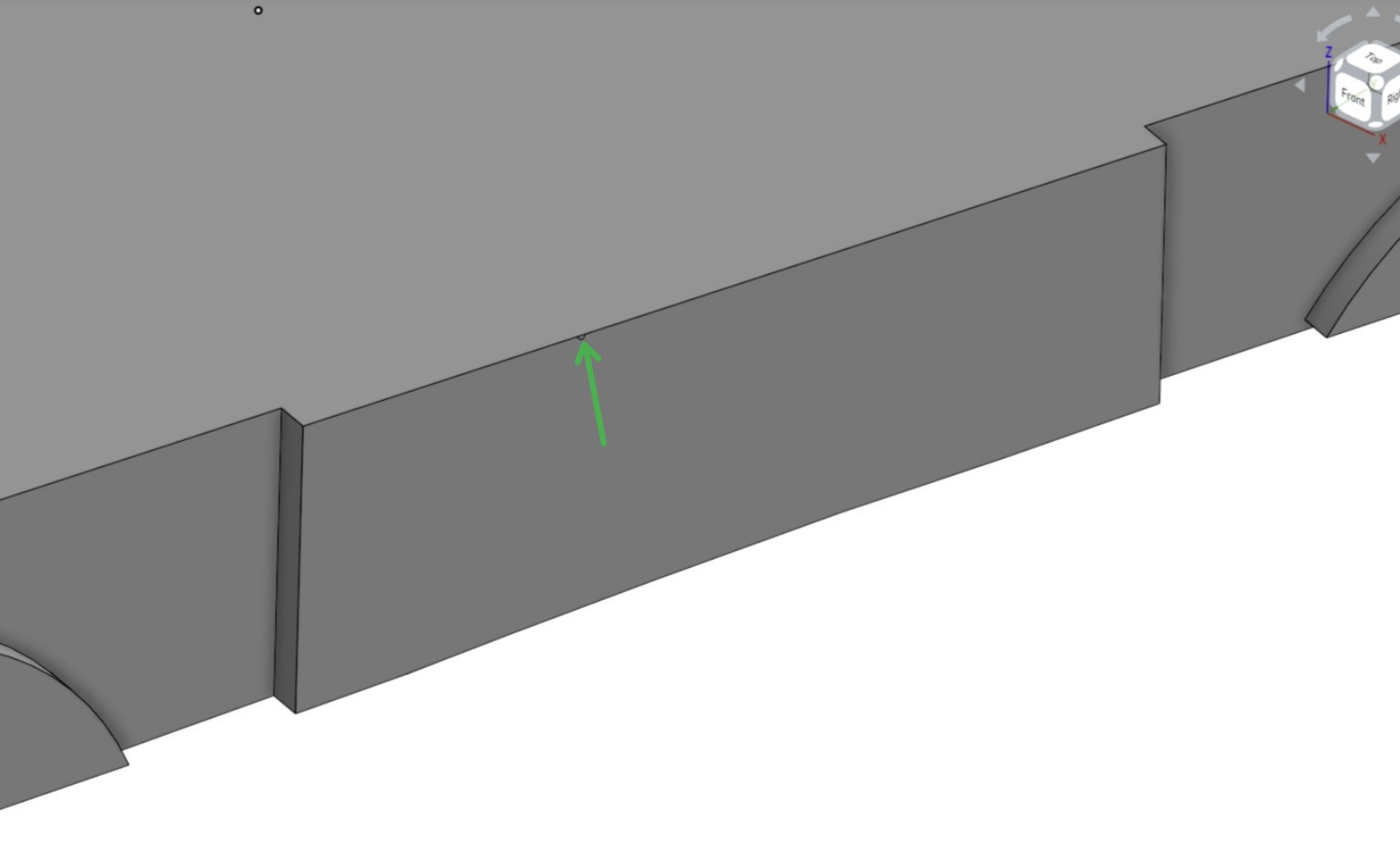
If you can clean up and simplify your geometry it will make the meshing more successful and also yield better simulation results.
Please let me know if I can help any further.
Good Luck 
Christopher